WhatsApp birthday invitation in 1 minute
A WhatsApp birthday invitation works when it has the right size, the right text, and gets sent without starting a brand-new group with the whole class.
- Format: a vertical image at 1080x1920 px or a square one at 800x800 px, saved as JPG or PNG.
- Text: the birthday child, date, time, place and RSVP in a few short lines.
- Sending: a direct message or a broadcast list, never a brand-new group with the whole class.
- Quality: send it as a document if you don't want WhatsApp to compress it.
- With AI: upload a photo and get an invitation ready to send in a minute.
The right size and format for a WhatsApp invitation
WhatsApp displays images full-screen inside a chat, so a vertical image makes the best use of the phone's screen. The recommended standard is 1080x1920 pixels, a 9:16 ratio.
If you would rather go square so it reads fully in the chat preview, use 800x800 pixels instead. Either way, leave a safety margin at the top and bottom: the clock, front camera or navigation bar can cover text set too close to the edge.
Save the file as JPG or PNG, never PDF: plenty of parents won't open a PDF on their phone, and a heavy file eats into the data plan of whoever receives it.
What text the message actually needs
Design doesn't matter if a detail is missing. The invitation needs six details: the birthday child's name and the age they're turning, the date, start and end time, the venue with its full address, who to RSVP to and by when, and a closing note on pickup, allergies or gifts.
For ready-to-copy wording by age, check what to write on a birthday invitation before you draft the message.
How to generate it with AI from a photo in a minute
If you would rather skip a design app and writing the text from scratch, FunPartyAI's AI invitation generator does the work for you: upload a photo of your child, pick a theme from the available templates, and add the date, time and place.
In under a minute you get an image already sized for WhatsApp, ready to download and send straight to the chat or the broadcast list, no cropping or margins to fix.
Always use a photo of your own child. If you want to include other kids in the design, ask their family for permission before you upload it — see how we handle photos in our privacy policy.
See how the invitations look
Upload a photo, pick a theme and download it WhatsApp-ready in 30 seconds.

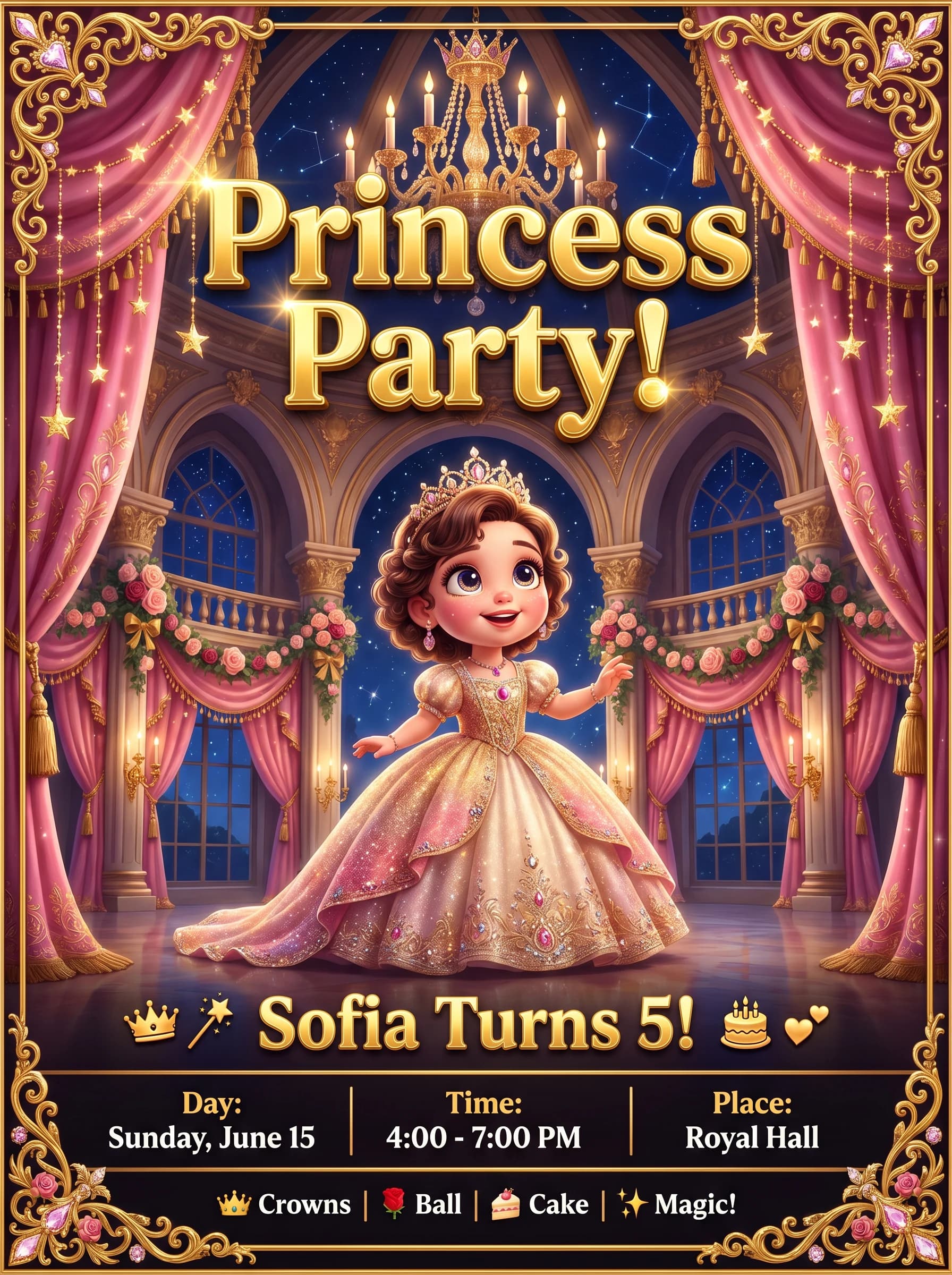

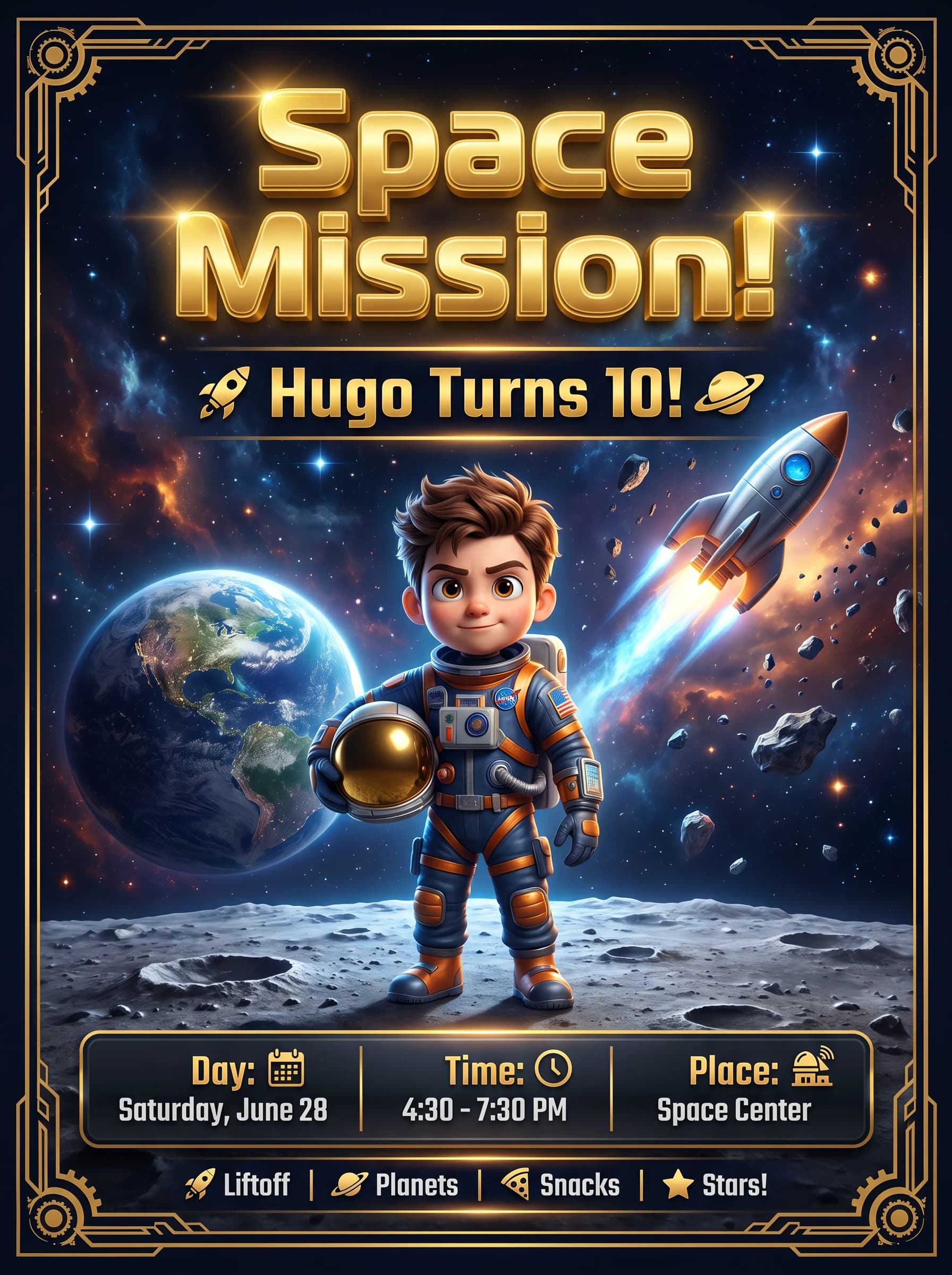

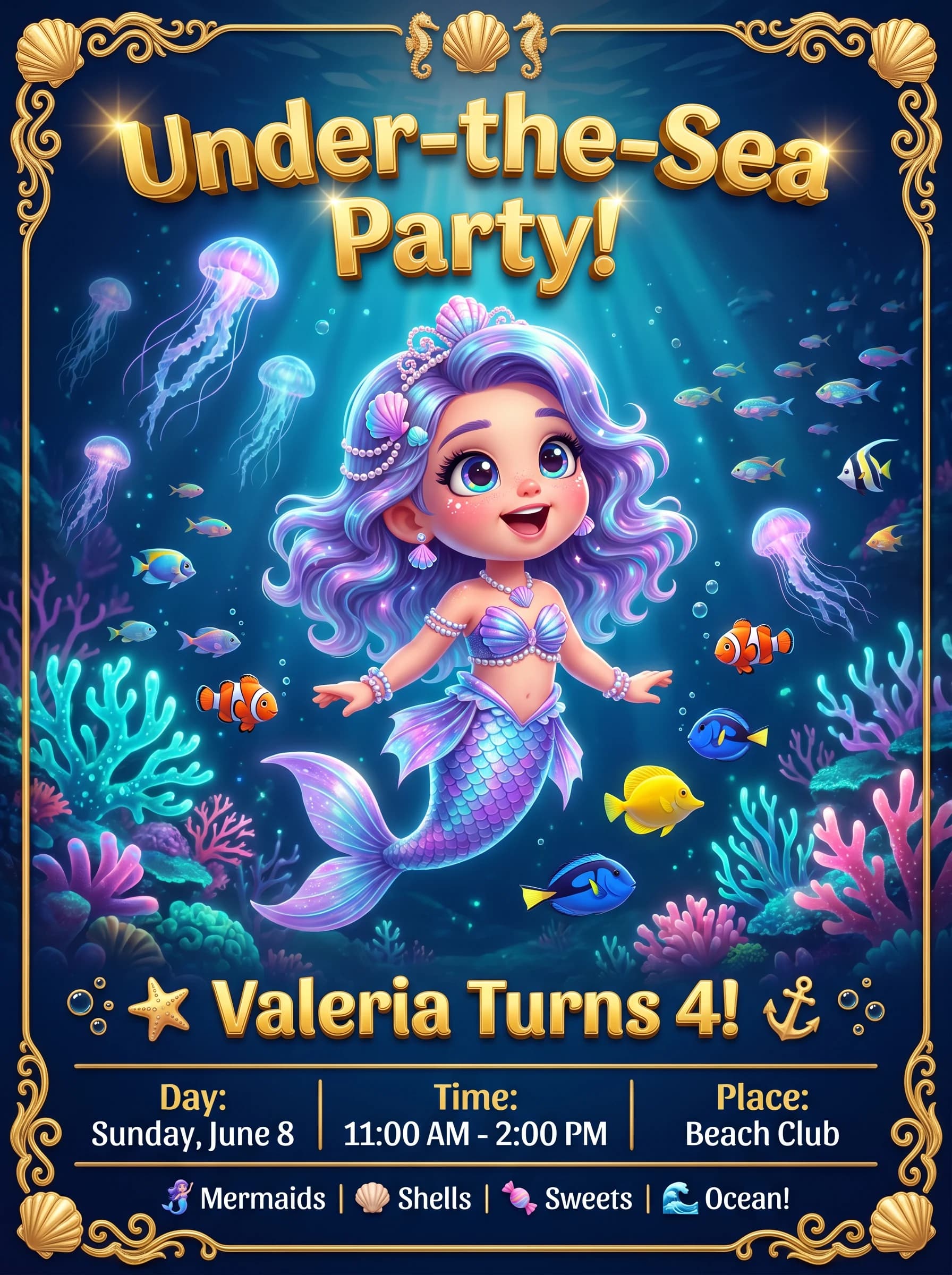
First one free · No sign-up · Ready in 30 seconds
How to send it to the class WhatsApp group without the drama
If you're inviting classmates, skip creating a brand-new group just for the party: folding every family into one extra chat multiplies the notifications for anyone who only wants to confirm one detail.
It's easier to send the invitation to each family individually, or use a broadcast list: everyone receives it as a direct message, without seeing who else is on the list.
If you're not inviting the whole class, hand it out away from the school group chat rather than posting it there: decide who's invited first so nobody finds out they were left off in front of everyone else.
How to keep the image quality when you send it
By default, WhatsApp reduces the quality of the photos and images you share to save data, so a design with small text can end up hard to read once it lands in the chat.
Before sending, turn on HD quality from the image picker in the chat — it allows up to 5120 pixels wide or tall without cutting the resolution. For the exact file, with zero compression, send it as a document instead of a photo — the recipient has to tap to open it, but it arrives untouched.
Before you send it: timing and RSVP
Format matters, but timing matters more: send the invitation with enough advance notice so nobody's weekend is already booked by the time it lands.
Always include a reply-by date in the message itself. A simple "please RSVP by [date] to this number" saves you from chasing replies in the chat during the last few days.
Frequently asked questions
Can I send the invitation straight to the class WhatsApp group?+
It's better to avoid it. A brand-new group mixes every family together and multiplies notifications for anyone who just wants to confirm. Send the invitation <strong>individually</strong> to each family or use a <strong>broadcast list</strong>: everyone receives it as a direct message, without seeing who else is on the list.
What image size should I use so it doesn't look pixelated?+
The WhatsApp standard is a vertical image at <strong>1080x1920 pixels</strong> (9:16), or a square one at <strong>800x800 pixels</strong> if you want it to show fully in the chat preview. Save the file as JPG or PNG, never PDF, so every guest can open it without any trouble.
How do I stop WhatsApp from compressing the invitation?+
You have two options: turn on <strong>HD quality</strong> when picking the image before sending, which allows up to 5120 pixels wide or tall, or send it as a <strong>document</strong> instead of a photo so it arrives with zero compression. The second option means the recipient has to tap to open it.
Is it safe to upload my child's photo to generate the invitation?+
Always use a photo of your own child. If you want to include another child, ask their family for permission before uploading the image. You can check how we handle and protect the photos you upload to the generator in our <strong>privacy policy</strong>.
Do I need a design app to make the invitation?+
No. FunPartyAI's AI invitation generator builds the image right in your browser: upload a photo, pick a theme, date and place, and get the file ready in the correct WhatsApp size in under a minute, with no template to resize by hand.
You may also like
First one free · No sign-up · Ready in 30 seconds